

1. Before you start
- Check that your pool allows filming, and ask a lifeguard or the front desk if you are unsure.
- Keep other swimmers out of the shot, or ask them first. Never film in changing areas.
- A quiet lane at a quiet time makes everything easier, and gives you one swimmer in the frame.
2. Pick your view
Side-on is the view to start with. It shows your body line, your head against the waterline, and the angles at your elbows, knees and feet.
Use it for a dropped elbow, low hips, kicking from the knee and head position.
Head-on means the phone stands at the end of the lane and you swim toward it. It shows width and the two sides of your body against each other.
Use it for crossover entry, a scissor kick, a wide breaststroke kick and uneven butterfly arms.
Underwater works too, with the phone in a waterproof housing. It shows the pull and the kick that the surface hides from the deck.
3. Set up the phone
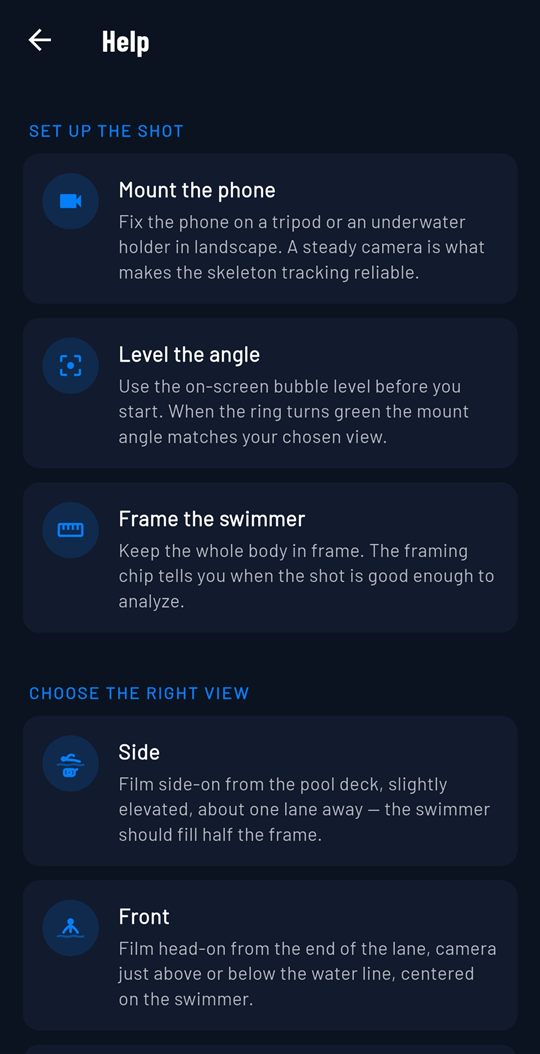
- Stand the phone steady on the deck, in a stand or wedged safely, a little back from the edge and away from splashes.
- Keep it level, so the waterline runs straight across the screen.
- Frame your whole body, head to feet, with some room ahead of you to swim into.
- For a side-on shot, aim at the middle of the lane rather than the wall, so you swim through full strokes.
Llyr has a Set up the shot screen that walks you through mounting, levelling and framing before you film.
4. Swim the length
- Swim the stroke you want to look at, at your normal training pace.
- Give the camera several full stroke cycles in the frame, not just one or two.
- Swim a few lengths if you can. A habit that shows up again and again is the one worth working on.
5. Already filmed?
You can use a clip you already have. Import it from your gallery into Llyr, trim it to the part you want, and review it there.
What Llyr does with the video
Llyr follows your whole body, head to toes, and draws a skeleton over your swimming. Water bends light, so it corrects for that before it measures.
A correction has to show up more than once before Llyr flags it.
You get up to five corrections per session, each on a still from your own video with a short cue.
Your video is processed on your phone and isn’t uploaded to us. Llyr is a second set of eyes, not a coach.
Llyr needs Android 8.0 or newer and a back camera that records at 720p.